AI SUPPLY TRACKING FOR DENTAL CLINICS

Dental supply tracking that starts with a photo — not a spreadsheet.

NRO turns photos of products, packing slips, and invoices into a live supply list, then tracks every low-stock flag, order, and arrival. The result is a shelf the whole team can rely on — and a weekly summary of what needs attention.

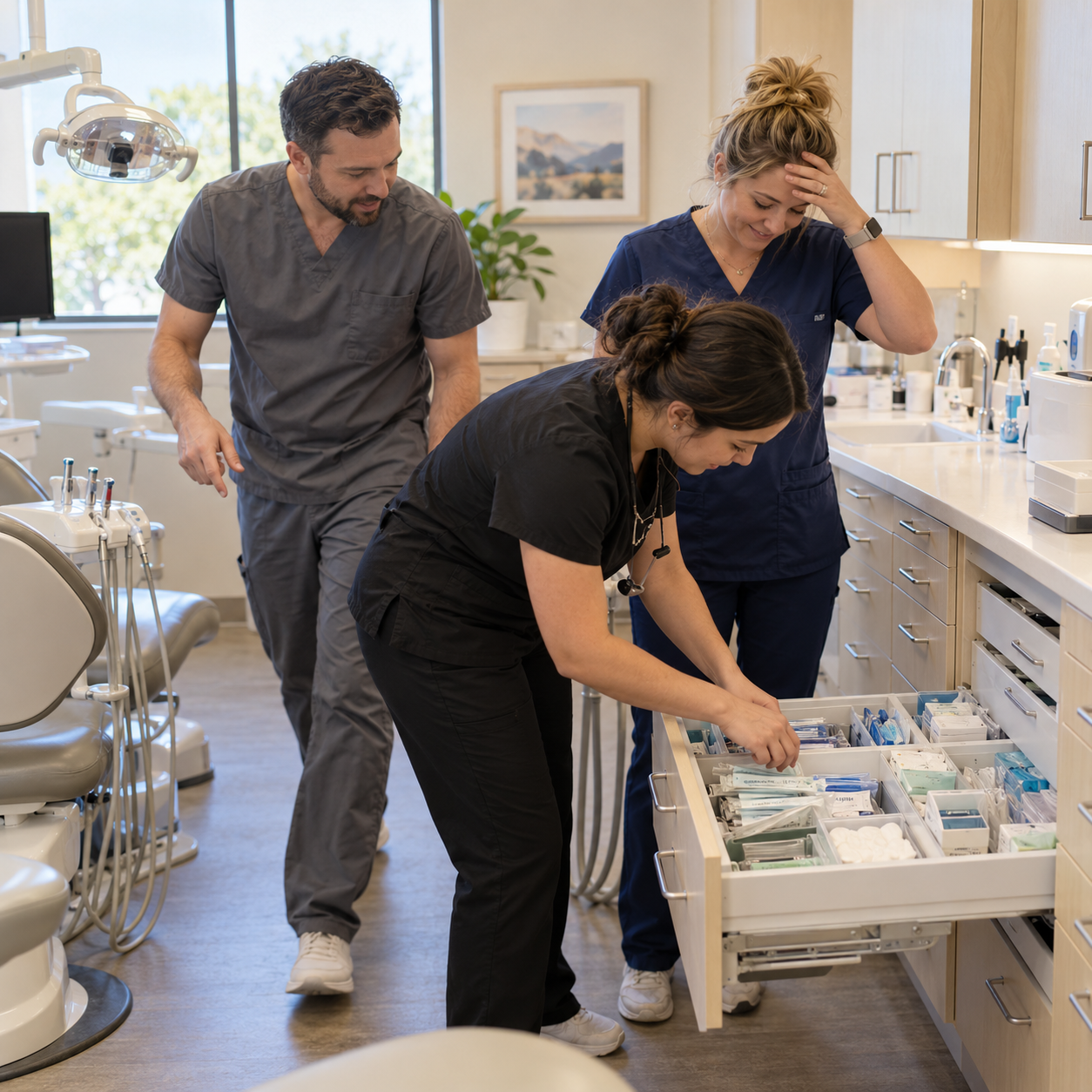
Dental clinic teammates searching a supply drawer togetherDelighted dental assistant high-fiving a teammate beside fully stocked supply cabinets

Running out is expensive.

The hidden cost of making do

When supplies run out, care usually continues — because the team finds a way. But every workaround pulls attention away from the patient and puts pressure on the routines that keep care consistent. The cost is absorbed in lost time, disrupted teamwork, and a less reassuring experience in the chair.

Rush orders & double orders

Urgent means expensive. And when two people quietly order the same thing, you've paid twice for the same box.

Expired, still on the shelf

Dates pass quietly on the shelf, and nobody chairside has time to check them. An expired material used on a patient is a safety problem — and, in the worst case, a legal one. It's a risk most clinics are carrying without knowing it.

Written everywhere. Readable nowhere.

In most clinics the supply list is out in the open — everyone writes on it — but it's scattered: sticky notes, a whiteboard, a shared notebook in several handwritings, labels faded or fallen off, all kept by hand. Nothing is hidden; it just never comes together into one clean list anyone can read at a glance. NRO gathers those scattered notes into one live list the whole clinic can see.

From low-stock flag to confirmed arrival

  1. 1

    Flag it

    A team member flags a supply as running low. The clinic reviews one shared list.

  2. 2

    Order it

    Place the order with the supplier, then record it in NRO with the ordering PIN and confirmation number.

  3. 3

    It's back

    Photograph the packing slip, review the items against the order, and confirm what arrived.

PRODUCT

One record of supply activity.

Explore the product

Photo-first setup

Review product names and types extracted from photos.

One low-stock list

Collect supply flags from the whole clinic.

Order tracking

Keep ordered supplies separate from items still needed.

Document records

Retain packing slips and invoices with purchasing records.

Expiration tracking

Review recorded dates for supplies with tracking enabled.

Supply Insights

Review weekly and monthly summaries of recorded activity.

SUPPLY INSIGHTS

The owner's view.

NRO brings low-stock flags, orders, and confirmed arrivals into weekly and monthly summaries. Owners can review the clinic's recorded supply activity and identify items that need follow-up.

Expiration tracking adds a separate view of recorded dates for supplies with tracking enabled. Summaries reflect the clinic's records; they do not predict demand or invent missing amounts.

One summary a week — what ran low, what arrived, what needs your eye.

How Supply Insights works

Your clinic, from any screen.

The moment work stays on the phone, chairside — flagging what just ran out takes seconds, not a trip to the office. Your desk gets the full picture: the same clinic, the same data, nothing re-entered.

Supply Insights

Your weekly story — what ran low, what arrived, what needs your eye — on the big screen.

Orders & receiving

What's been ordered, what's still on the way — and when a delivery lands, confirm it at your desk against its slip.

Paperwork, kept

Upload slips and invoices from your computer, and pull any of them up in seconds. No drawer of paper. No calling the supplier for copies.

SECURITY & PRIVACY

How clinic data is handled.

Read the security overview
  • Per-clinic data isolation
  • Encrypted in transit and at rest
  • AI processing without training on your data
  • Your data is never sold

COMING SOON

In final prep for the App Store.

NRO will open to every dental clinic at launch — there is no pilot program. To get first word when we open, email us at contact@usenro.com.

Email us for launch news

Common questions

Do you sell supplies?

No. NRO records supply needs, orders, and arrivals. The clinic purchases directly from its suppliers; NRO does not place orders.

Do we have to count everything first?

No. NRO does not require an opening inventory count. Product photos and historical invoices can help build the supply list. Staff then flag supplies as they run low.

How long will it take my team to learn this?

The core workflow is flagging a supply, recording an order, and confirming a delivery. Onboarding covers these tasks and the review of AI-extracted information.

Which clinics is NRO for?

NRO is built for dental clinics — whether supplies are run by one assistant, shared across the team, or handled by the doctor personally.

What will it cost?

NRO will be free to download, with a 30-day free trial. Pricing will be announced before launch — and always shown before a clinic is asked to pay.

How do we get our existing supply list into NRO?

Take a photo of a past invoice — NRO reads the product names and builds your list from them. There is no spreadsheet to prepare and no template to fill in. You can also add supplies one at a time by photographing the products themselves.